Making a PDF accessible: what the RGAA actually asks for
Criterion 13.3 of the French RGAA does not require your PDF to be accessible. It requires that an accessible version exists. That distinction changes everything, and it opens up two routes.
 By Jules Bailleul 14 October 2026 6 min read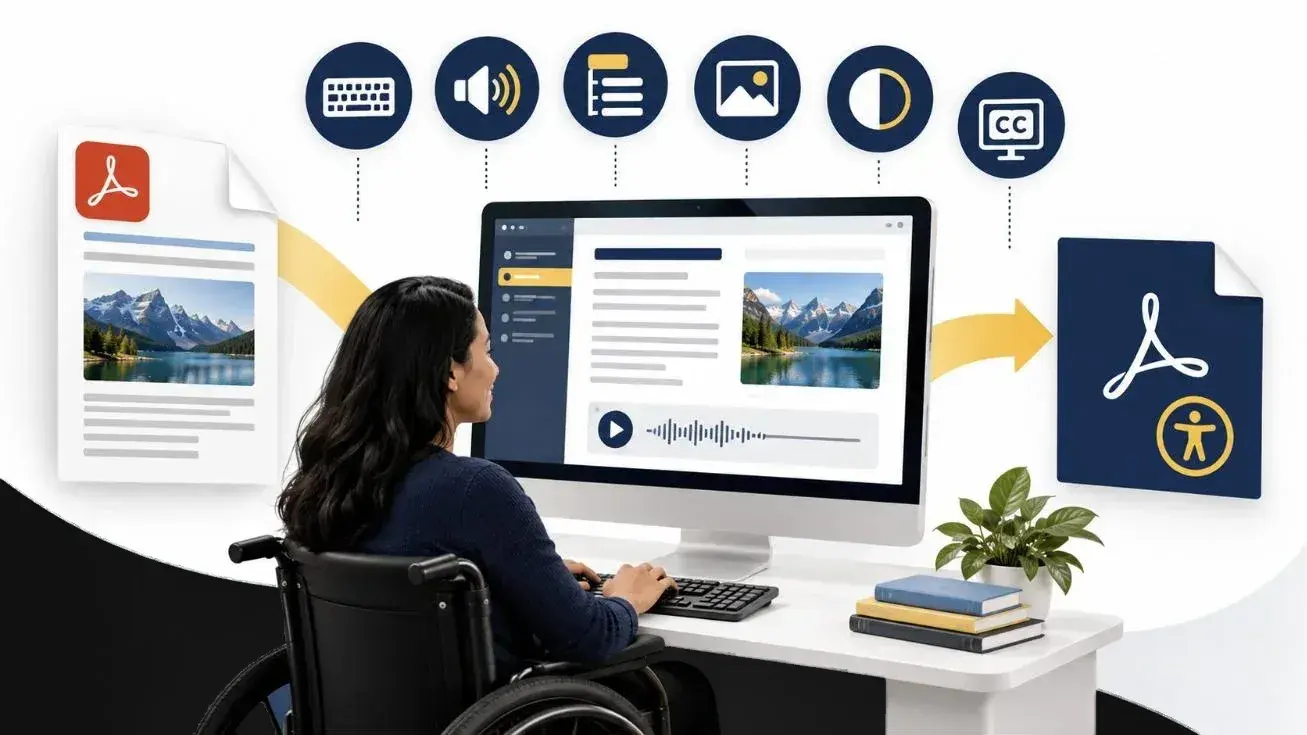
"Our PDFs need to be accessible." You hear it often, and the intention behind it is sound. But taken literally, it points straight at the longest and most expensive piece of work — when the French standard does not quite ask for that.
What the RGAA asks for is more flexible, and the distinction has very practical consequences for time, budget and what your readers actually get.
What criterion 13.3 says
The RGAA 4.1.2, France's reference framework for assessing digital accessibility, places downloadable documents under its "Consultation" heading. Criterion 13.3 asks a simple question: on each web page, does each downloadable office document have, where necessary, an accessible version?
Read it closely: does it have an accessible version. Not "is it accessible". The criterion does not ask you to transform the file you already have; it asks that an accessible version of its content be available.
The associated test, 13.3.1, accepts any one of three answers:
The three accepted routes
- 01The document is accessible in itselfThe PDF is tagged and usable by assistive technology. This is the most demanding route, and the only one if the file has to travel on its own, away from your site.
- 02An accessible version sits alongside itThe original document stays as it is, and a second version, compatible with accessibility requirements, is offered for download in the same place.
- 03An HTML version is offeredThe same content exists as web pages. This is often the most comfortable route for the reader, and the one that also works for your search visibility.
Three routes, one obligation: the information has to be reachable. Which one fits depends on your document and on how it is used.
Why a PDF resists so much
A PDF born of a print layout generally has no usable structure. Visually, a heading reads as a heading because it is large and bold. To a screen reader it is simply large text: nothing tells it that this is a heading, or at what level.
Making that file accessible therefore means adding what was never in it: a heading structure, an explicit reading order, alternative text on images, tables whose headers are declared, an identified language, sufficient contrast. It is tagging work, document by document, page by page.
It can be verified, which is good news: tools such as PAC check a PDF's tagging and report what is missing. You are not reduced to taking it on trust.
Why an HTML version often settles the question
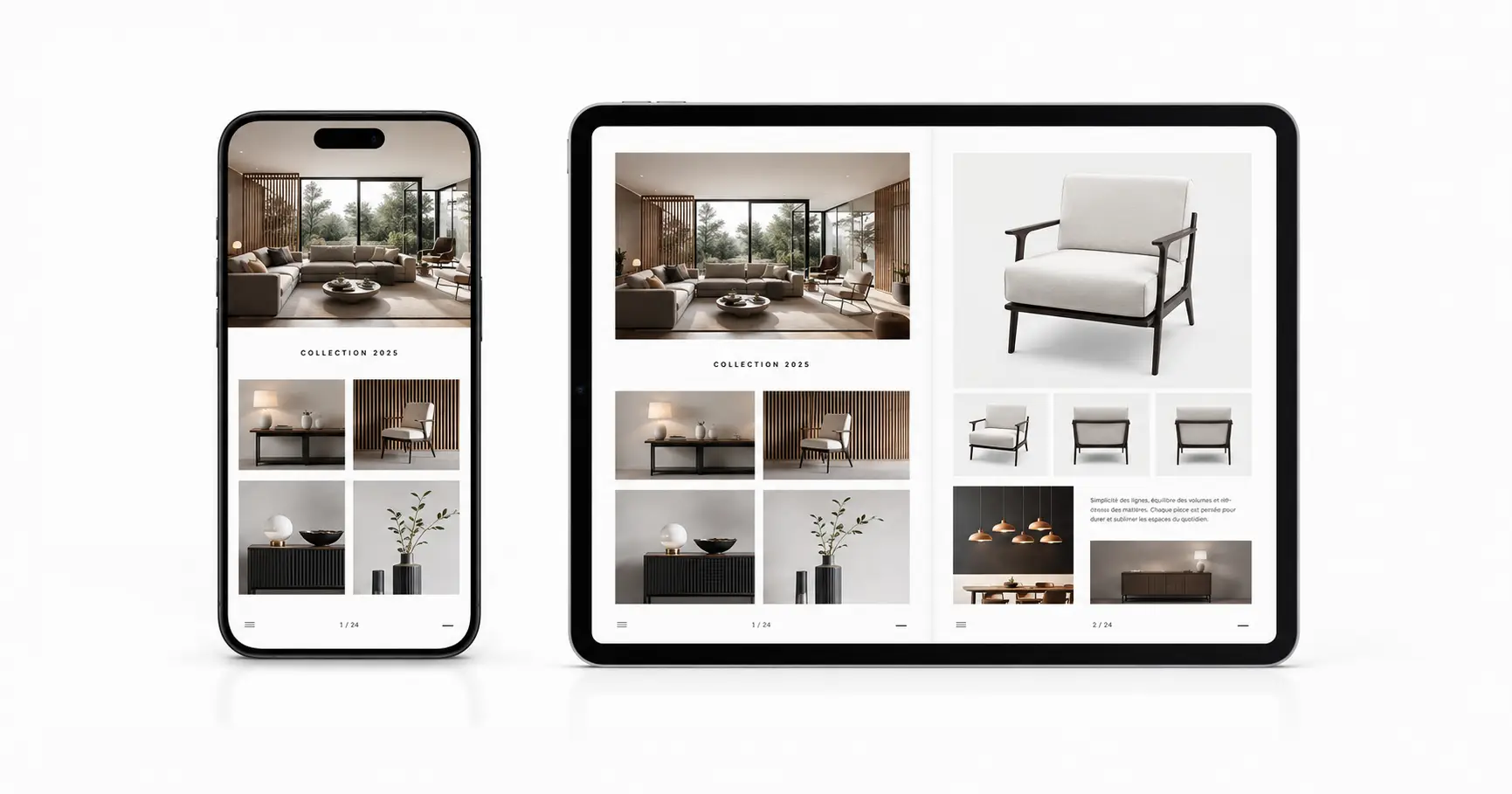
For a catalogue, an annual report or a magazine, the third route is frequently the most sensible. A web publication carries the content in a format built to be browsed: keyboard navigation, text that adapts to the screen, a structure assistive technology can read, internal search.
It also brings three things a PDF never will: it reads comfortably on a phone, it can be updated without redistributing a file, and its content becomes visible to search engines. A PDF, however well tagged, remains a file to download.
That is the route we took for the Handisport magazine, which exists both in its standard interactive version and in an accessible version.
How to choose
The document has to travel on its own, by email or away from your site. It serves as an archive or a regulatory reference. Its pagination matters, because people cite it or print it.
The document is read online, from your site or a shared link. It is long, heavily illustrated, browsed rather than read end to end. It changes over time. You want search to find it.
The two are not mutually exclusive: route 2 is precisely about keeping the original document and offering the alternative next to it.
One date worth knowing
The criterion allows for a specific case: office files published before 23 September 2018 fall outside the obligation, unless they remain necessary for administrative processes still in progress. There is no need, then, to rework ten years of archives. Put the effort where it still serves someone.
Where to start
Before any decision, two questions are worth asking of each document: is it still being used? and how is it read? Many PDFs online no longer pass the first. For the rest, the answer to the second almost always points to the route to take.
How far a document can go depends on where it starts: a file whose layout sources still exist does not offer the same possibilities as a scan. That is why we look at the document before committing to a result.
Our two approaches, the navigable HTML version and the tagged PDF, are set out on our Accessible documents page. If you have a publication in mind, show it to us and we will tell you what can be done with it.
Sources — Référentiel général d'amélioration de l'accessibilité (RGAA 4.1.2), heading 13 "Consultation", criterion 13.3 and test 13.3.1: accessibilite.numerique.gouv.fr. French law of 11 February 2005, article 47.